Morph
Abstract
Morph is the Dojo's window onto an optimization study. A Monte Carlo job asks what happens across many random draws, and the Monitor and Mosaic answer that. An optimization job asks which design is best, and the question is about the search itself: how the score improved, which parameters mattered, and where the optimizer looked. Morph embeds Optuna Dashboard so you can answer it without leaving the Dojo.
When Morph appears
The Morph tab only exists for a job started with mujoco-mojo run optimization, beside Monitor and Mosaic. It reads the study's storage database, which an optimization job writes into its workdir by default (running with --no-storage turns it off), and it needs the optimize extra (uv add "mujoco-mojo[optimize]").
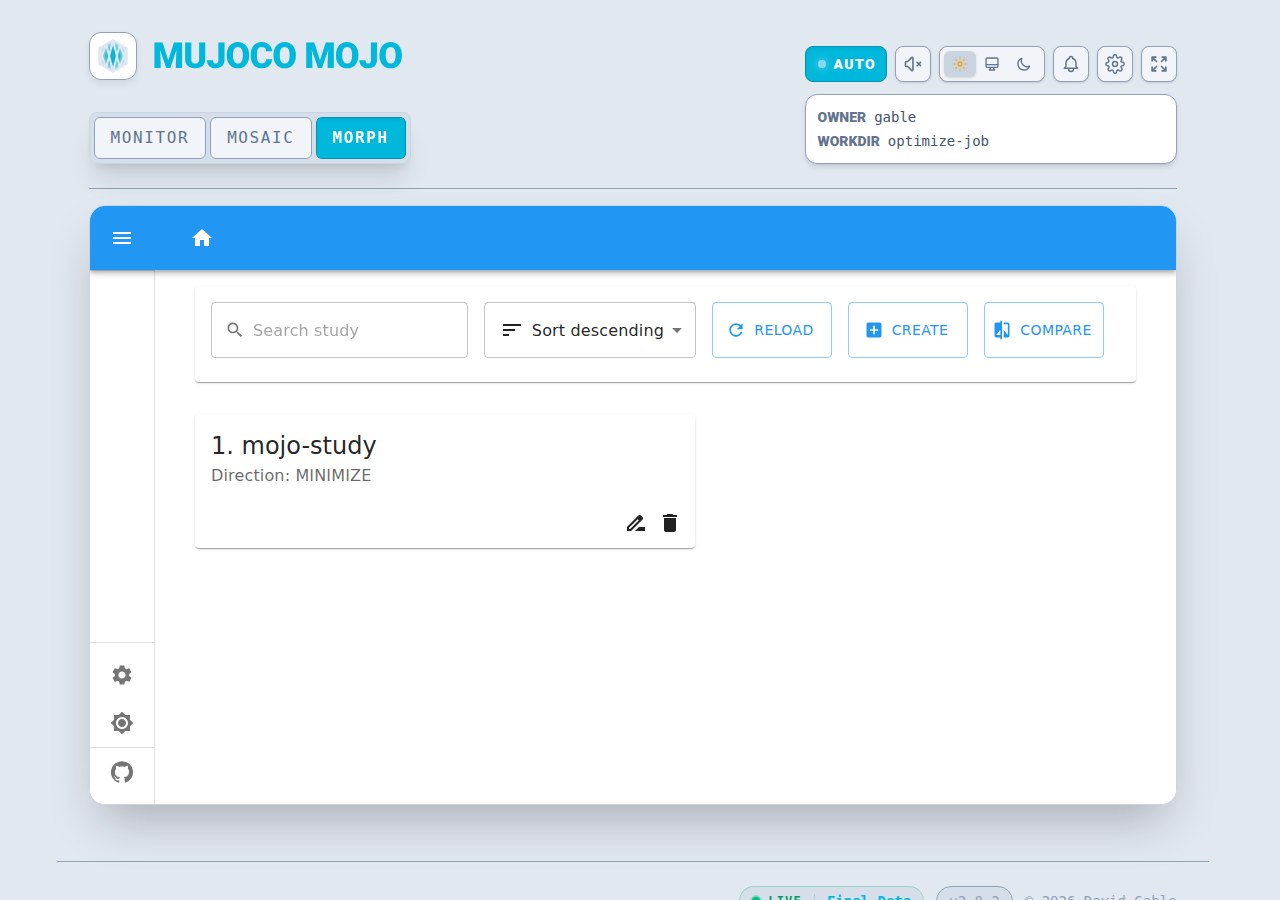
What it shows
Morph is Optuna Dashboard itself, so its own documentation covers every view. The ones you will use most with a Mojo job are:
| View | Use it to |
|---|---|
| Optimization history | Watch the objective score of each trial, and the best so far. A curve that has stopped improving says the search has converged. |
| Parameter importance | See which of your design variables (spring_stiffness, structure_material, and so on) moved the score the most. |
| Parallel coordinate | Follow how the best trials combine their parameter values, one line per trial. |
| Slice and contour | Look at the score against one parameter, or two, to find where the good region is and whether it is narrow. |
| Trials | A table of every trial with its parameters, its score and its state, which you can sort to find the best. |
The parameter names are the ones you gave your design variables (DesignFloat and DesignCategorical) in the generate script, and the score is what your objective function returned.
Using it with the rest of the Dojo
Morph tells you which design won. To see how a trial behaved, use the other tabs, which work on an optimization job the way they do on any other:
- The Monitor shows the progress of the study and how many trials succeeded, failed or errored.
- The Mosaic opens any trial's telemetry. Use versus mode to lay the best trial against the first, and see what the optimizer changed.
- Morph can take the whole window: use the fullscreen button in the toolbar (Esc leaves it).
Resuming and refining
A study is saved, so you can come back to Morph after the job ends, or resume the job with more trials and watch the history grow. See Adaptive Refinement in the Optimization guide for narrowing the search around the best trial.
Success
Morph closes the loop of an optimization: you describe the search, Mojo runs it, and Morph shows what it found. Continue to the Optimization guide for the commands that start one.