Monitor
Abstract
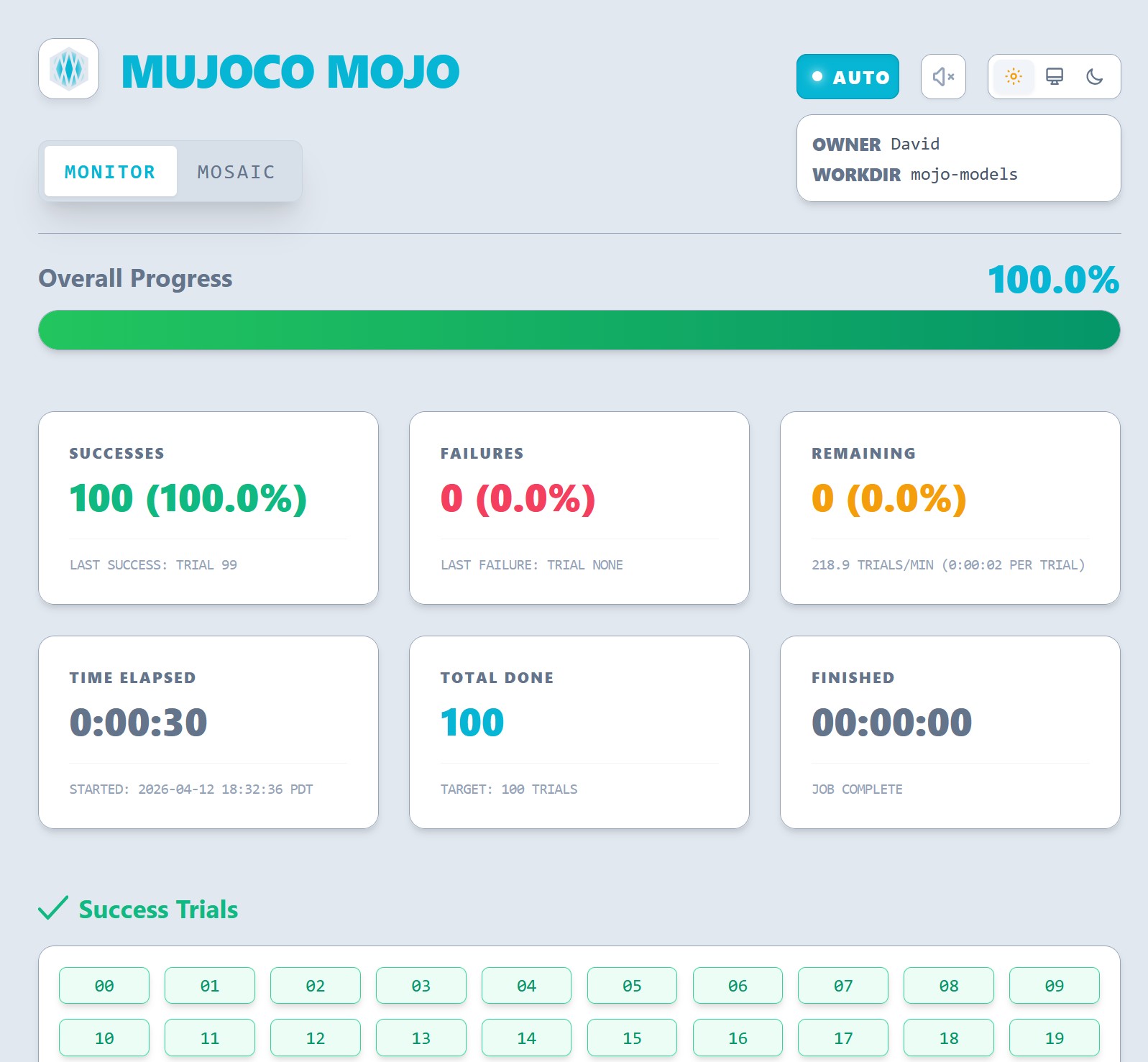
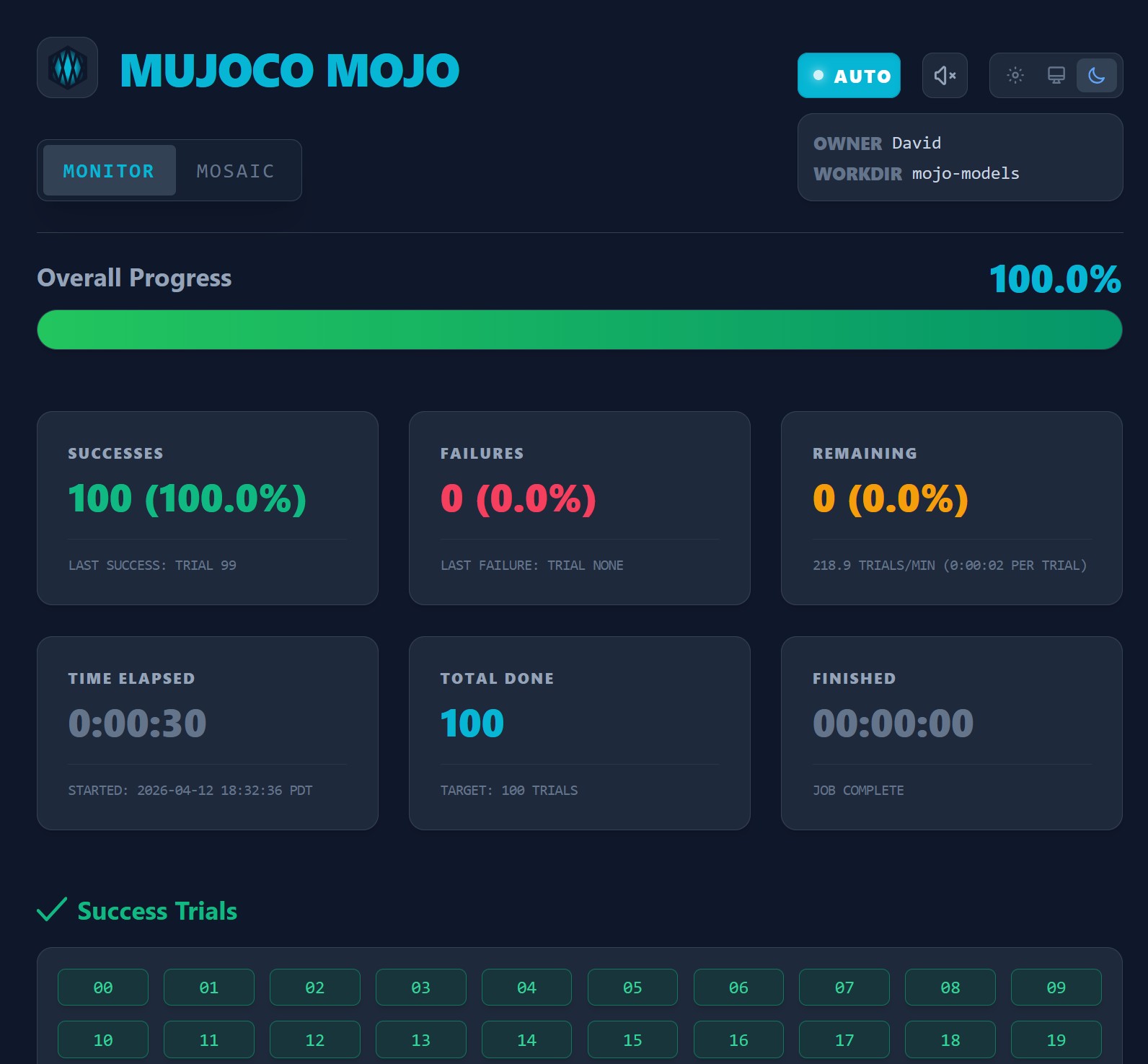
The Monitor tool is your real-time oversight interface. It transforms the abstract numbers of a multi-process simulation into a dynamic dashboard. The Monitor keeps you informed of the health and progress of every single trial.
Real-Time Oversight
The Monitor acts as a nexus for overseeing your mujoco-mojo run jobs. It works by monitoring the trial status files in your workspace and reflecting the global state of the simulation.
Progress Tracking
The primary progress bar provides a high-level view of your job's timeline.
- Dynamic Scaling: The bar fills as trials transition from
pendingtosuccessorfailure. - Visual Completion: Once a job hits 100%, the interface shifts from Cyan to Emerald, signaling that the data is ready for final export.
The "Health" Deck
The stat cards at the top of the page provide an instantaneous look at your run's integrity.
| Metric | Description | Sub-Value |
|---|---|---|
| Successes | Trials which completed without generator or runtime exceptions. | The most recently completed successful trial. |
| Failures | Trials which completed with generator or runtime exceptions. | The most recently completed failed trial. |
| Remaining | How many trials have yet to run. | How many trials per minute are being completed and how long each is taking to successfully complete. |
| Time Elapsed | Total runtime since starting the job. | What time the job was started at. |
| Total Done | How many trials have been completed. | How many total trials the job will attempt to complete. |
| Est. Remaining/Finished | Prediction on how much time until job completion. | (Estimated) time of job completion. |
Trial List
Below the job statistics card, lists of the successful and failed trials is shown. These chips are intractable so that when clicked, Dojo will switch to a Mosaic view where you can inspect its telemetry signals (if available).
Success
Because simulations can take hours, Mojo provides sensory cues so you don't have to keep your eyes glued. An audible bell rings when the final trial is processed. It can be muted in the top toolbar.
You now know how to monitor your "fleet" of simulations. Now it’s time to look at the data itself. Head over to the Mosaic guide to learn about data plotting, multi-trial comparison, and data sharing.