Runtime Script
Abstract
While the Generate Script builds the world, the Runtime Script defines its execution. This is where you apply forces, execute control logic, and decide what data is worth saving.
The beauty of Mojo is that you don't need to manage the low-level MuJoCo physics state manually; the RuntimeManager handles the heavy lifting, ensuring your simulation is stable and your telemetry is perfectly synchronized.
Suggested Reading: Mojo Reloaded
After a brief skim of this guide, you may want to take a look at the guide on using Mojo Reloaded to accelerate your prototyping.
The Runtime Function Contract
Like the generate script, the runtime script follows a strict protocol. It receives the MojoModel (populated with your user_data and DepPath objects remapped), the RuntimeManager (your primary interface), and the standard MuJoCo model/data objects.
Example: MojoGenerate Handle
The RuntimeManager (rm)
The RuntimeManager is the orchestrator of your simulation. It is recommended to use it as a context manager (with runtime_manager as rm:). This ensures that the results database is properly opened, the clocks are synchronized, and all resources are cleaned up when the trial finishes.
Tip: No Need to Pass rm Around
While inside the with runtime_manager as rm: block, rm is also available ambiently. Methods like register_to_rm() and request() will automatically find the active RuntimeManager/SignalManager if you don't pass one explicitly, e.g. spring_force.register_to_rm() instead of spring_force.register_to_rm(rm). This means helper functions like add_spring_force() in the Handoff class don't need to accept rm as a parameter at all, so long as they're called from within the with block.
Defining Loads
This is where the Handoff pattern pays off! Since we packed our site references into user_data during generation, we can now easily apply complex forces and torques without searching through the MuJoCo model for IDs.
Mojo provides high-level force abstractions like PointToPointForce, which automatically handles the math for things like compression springs or hydraulic actuators. When providing reaction sites located on other bodies, the runtime manager also calculates the correct action-reaction forces to apply.
Example: Applying Custom Forces
| Python | |
|---|---|
Available Load Types
-
GeneralLoad
6-DOF force and torque. Defines full spatial dynamics in either a relative frame or local to a site.
Think of it as a
VectorForceandVectorTorquecombined into one robust plugin. -
PointToPointForce
Acts along the direct line of sight between two sites.
Perfect for modeling linear springs, dampers, or hydraulic actuators where the force vector changes as the bodies move.
-
ScalarForce
A 1-DOF force applied strictly along the local X-axis of the action site.
Ideal for simple directional thrust or piston logic.
-
ScalarTorque
The rotational equivalent of a ScalarForce. Defines a 1-DOF torque applied along the local X-axis of the action site.
Great for modeling a torsional spring, friction brakes, or revolute joint motor torques.
-
VectorForce
A 3-DOF force vector. Can be defined relative to a site's orientation or anchored directly to the world frame for global forces.
Can be used to model buoyancy (acting at CG) or simplified magnetic attraction between two bodies.
-
VectorTorque
A 3-DOF torque vector. Similar to the VectorForce, it allows for complex rotational moments defined relative to a site or the global world frame.
Use it to model a reaction wheel or 3D magnetic dipole moments.
Physics Stepping
Forget about the difference between mj_step and mj_forward. Just call rm.step()! This method handles:
- Advancing the physics.
- Updating custom Mojo force plugins.
- Flushing telemetry to the
SignalManagerand recording videos. - Managing the internal simulation clock for real-time visualization.
Request-Based Telemetry
Mojo uses a "Request" pattern for data logging. Instead of manually creating buffers or writing to CSVs, you simply tell the model what you are interested in.
Tip: Zero-Logic Logging
The .request() method is available on select Mojo objects. It tells the SignalManager to automatically capture the requested signals for the duration of the trial. You can specify which signals are of interest to you (like if you are interested in a body's energy but not momentum).
Custom requests can also be made using the SignalManager.post() method!
Example: Telemetry Requests
| Python | |
|---|---|
Video Recording
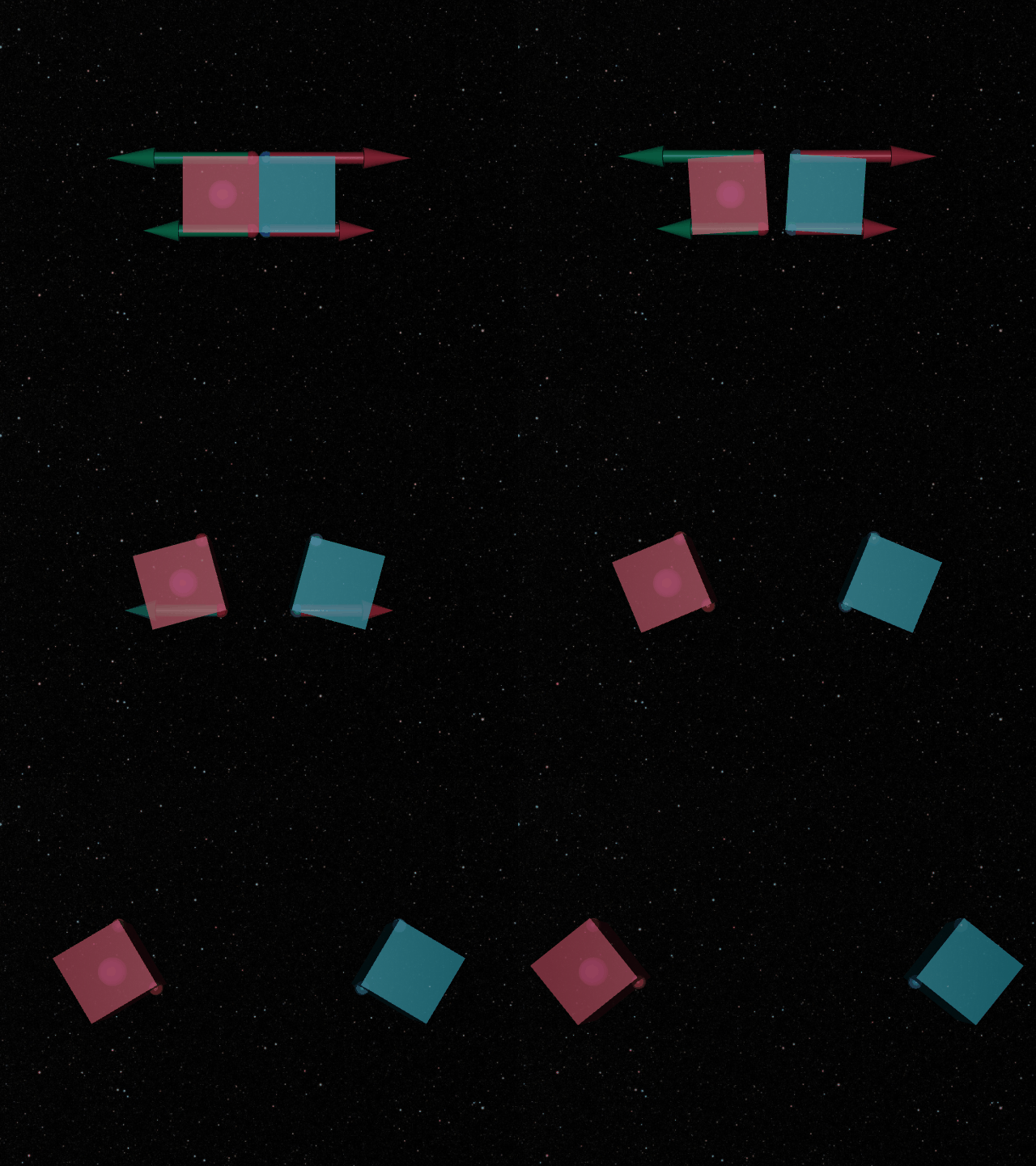
If you need visual proof of your simulation (or you just need something for a slide deck), the VideoRecorder plugin provides a method to produce high-fidelity MP4s or gifs. They integrate directly with the RuntimeManager and use the named cameras defined in your generator.
Tip: Load Debugging
The VideoRecorder can automatically overlay custom force vectors (like your spring forces) directly onto the video frames, making it an invaluable tool for debugging.
Example: Video Setup
The Physics Loop
The heart of the script is the humble while or for loop. Because rm.step() handles all the housekeeping, your loop stays remarkably clean. All you need to do is provide a way to break out of the loop (i.e., when time passes a certain point or a force reaches a magnitude).
When the context manager for rm is over, all your requested telemetry and videos will be recorded!
Success
You've now mastered the "Mojo Way" of building and running simulations!
With your Generator and Runtime scripts ready, the next step is to learn how to scale these up into massive Monte Carlo jobs using the Job Runner.